
Send and Reply
Send an SMS
-
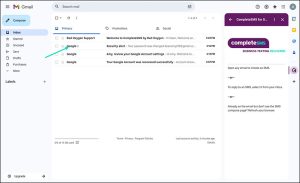
- To activate the Send feature, you’ll need to click on an email in your inbox. Doesn’t matter which one.

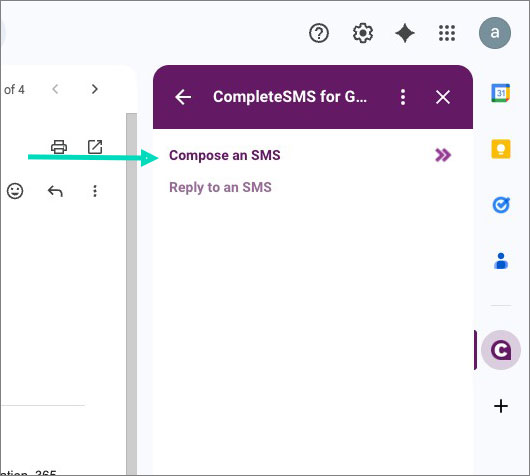
- Select Compose an SMS from the CompleteSMS panel.

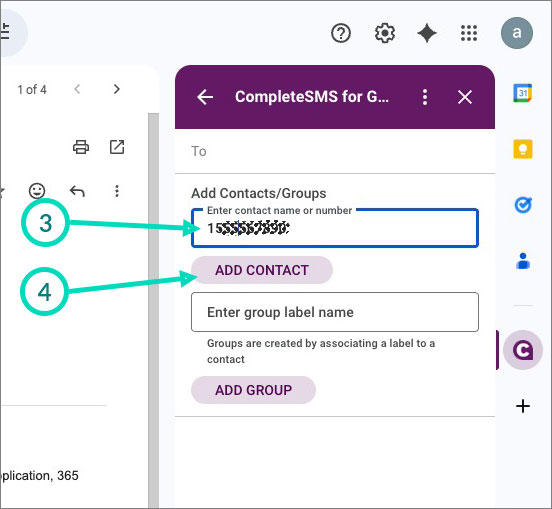
- Enter a phone number or start typing in a name of a contact or group stored in your Gmail contacts.
- Click Add Contact.

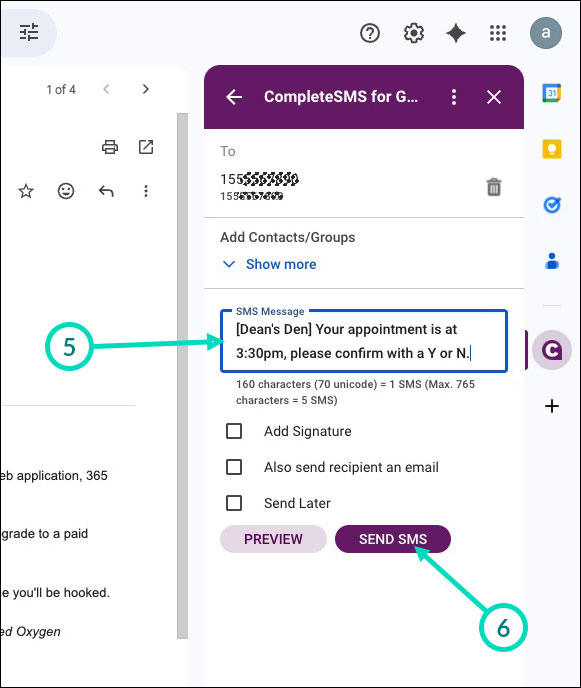
- Enter your message
- Click Send.

- To activate the Send feature, you’ll need to click on an email in your inbox. Doesn’t matter which one.
Send Replies
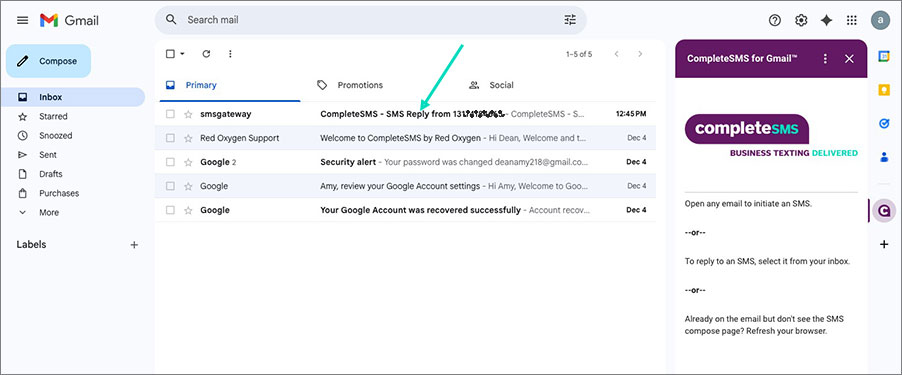
Replies will appear in your inbox, just as an email would.
- Click on the email that has the reply.

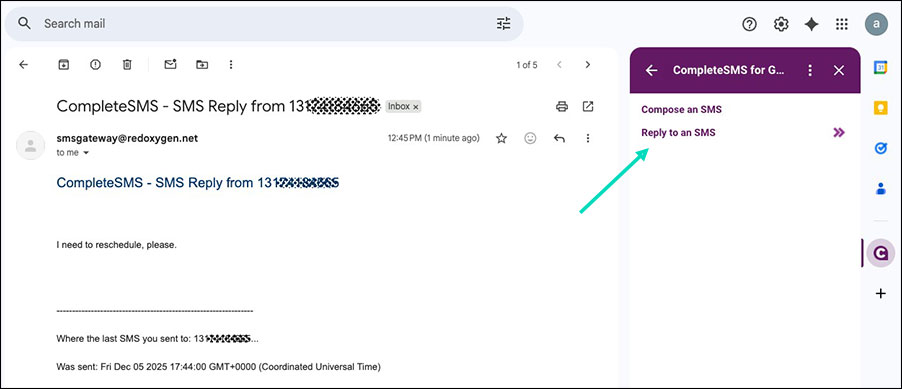
- See the CompleteSMS panel allow for replies.
- Select Reply to an SMS.

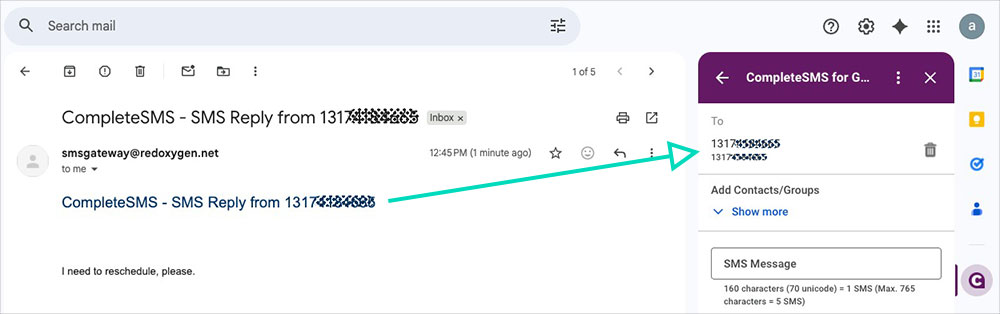
- This automatically populates the number or contact that sent the response you selected.

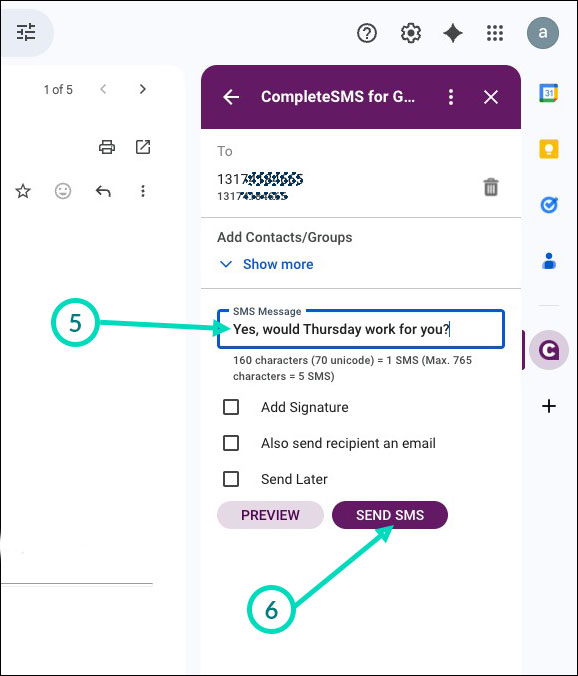
- Enter your response.
- Hit send.