

View a full report of your sent and received SMS messages from your CompleteSMS inbox.
SMS Web Portal

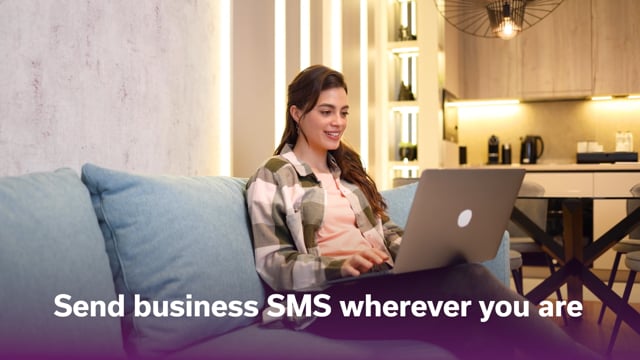
Send Business SMS Wherever You Are
- Use any computer or mobile device with internet access to quickly and easily send texts from your web browser.
- Send internet-based SMS messages to clients and customers anywhere across the globe.
- Receive replies from your customers in your email inbox or phone.
- Send pre-scheduled SMS messages when your work computer is off.
- The web app can be used on any computer regardless of the operating system and works on most smart phones.

Any time. Any internet connection. Anywhere.
With our SMS marketing web platform, you can send and reply to business text messages from any browser. The CompleteSMS web portal lets you use SMS services without installing additional software and can be accessed from any device with an internet connection.
Whether you need to send an emergency update while out of the office or keep your customers informed while you’re sitting at your desk, you can use the web app to send important information regardless of the device you’re on.
Special Features of CompleteSMS’ Web SMS Service






Streamline Your SMS Workflow
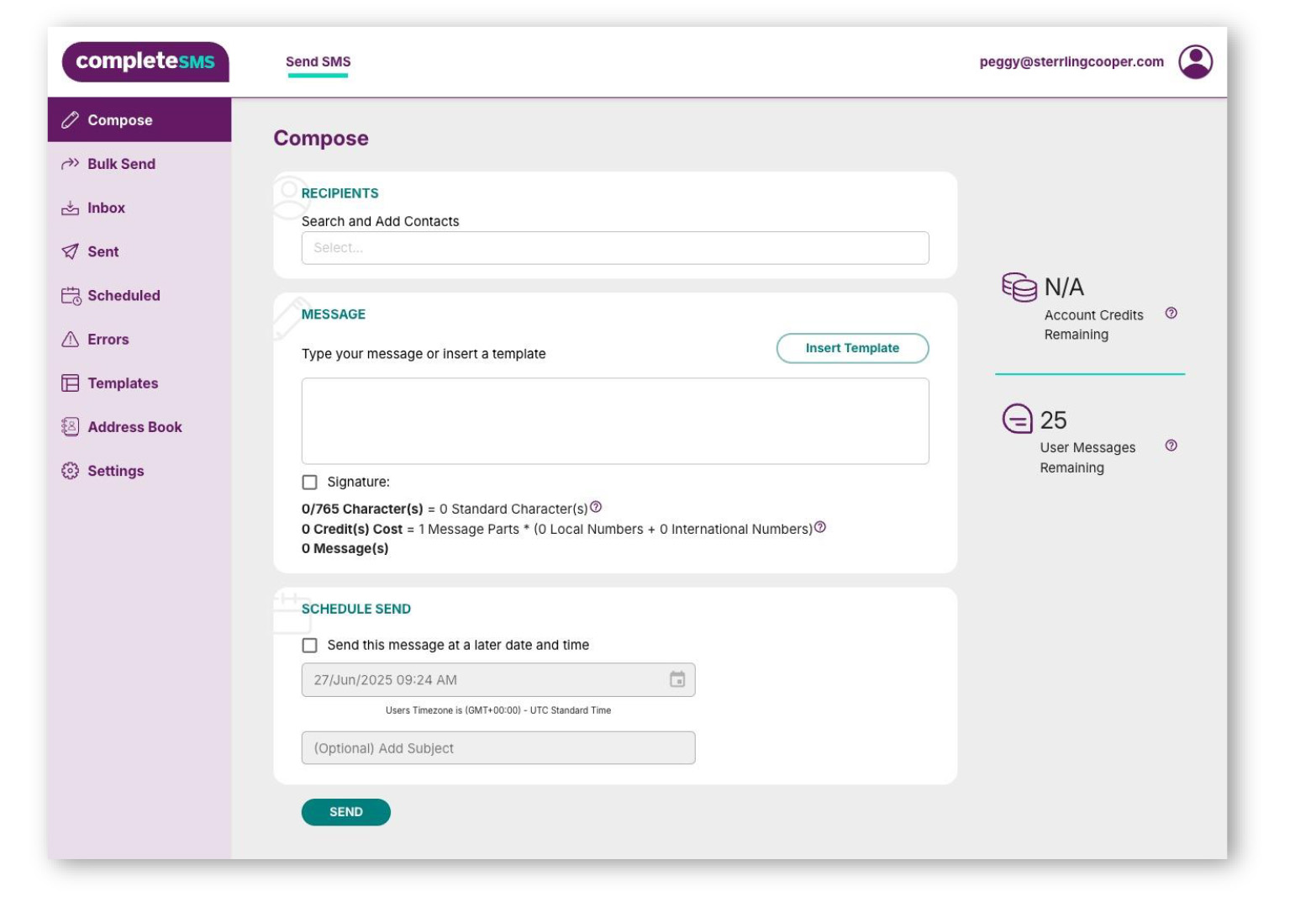
CompleteSMS’s web portal gives businesses a centralized, easy-to-use hub for managing all SMS communications, whether you’re messaging one contact or thousands at once. With features like two-way texting, scheduled sends, templates, and detailed reporting, teams can streamline outreach, improve response rates, and stay organized without needing additional software.
Accessible from any browser, the platform makes it simple to communicate in real time, manage contacts and users, and maintain compliance, all while delivering messages through a channel with exceptionally high engagement.

What the Web Portal Has To Offer
- One At a Time: Compose as you go, send to just a few people at one time or a distribution list.
- Send in Bulk: Upload your spreadsheet .csv and you’re set. Use a template with merge fields and you’ll customize those each message with one click of the mouse.
- See Who Replies: There’s an inbox, just like your email. Check out the replies and reply back if you’d like.
- Store Your Contacts: Unlimited contacts and distribution lists, with global lists for the whole company to utilize, and personal contacts for your users to sort as they please.
- Team Management: Administrators also use the web app to add users, cost centers and view reports. Think of it as your messaging headquarters.