

Send messages and receive replies in the same interface. Conversations are threaded, so your team can follow ongoing discussions without confusion.
Text From Your Browser


Browser SMS allows your team to send and receive text messages through an online messaging portal. With CompleteSMS, you can log in from any modern browser on any mobile device and start messaging immediately.
For businesses, the value goes far beyond convenience. Using online SMS for businesses helps centralize conversations, maintain message history and keep business communication separate from personal devices. It also means your team can work from anywhere, collaborate more effectively and respond faster without switching tools.
CompleteSMS delivers browser SMS business communication that fits naturally into your daily operations.
CompleteSMS Browser SMS Capabilities
With CompleteSMS, you can enjoy the following features.




Key Benefits of Sending SMS From a Browser
Convenient, efficient and feature-rich. Send one or in bulk, it's all in one place.
Keep Business Conversations Centralized
All messages live inside one SMS web portal for businesses, not scattered across personal phones. This makes it easier to manage conversations, maintain continuity and retain message ownership when staff roles change.
Improve Response Times Without Extra Apps
Texts are easy to read and reply to, and sending them from a browser keeps your team focused. There is no need to install software or jump between platforms.
Support Teams, Not Just Individuals
Browser SMS works well for shared inboxes, departments and distributed teams. Multiple users can manage communication without relying on a single device.
Reach Any Mobile Phone
Messages are delivered to any mobile phones, not just smartphones. That makes SMS a reliable option for customers, employees and field teams alike.


Uses for SMS Text Online
Sending a text message using the CompleteSMS web app portal to your customers or co-workers is a convenient way to communicate valuable information. You can send texts to everyone at once or by distribution groups to reach your intended audience. This method is useful for various industries due to the convenience of texting from a browser without having to install any software.
Some uses for our online text message service include:
- Order confirmations: Send your customers a text on the web to confirm their order after they make a purchase. They can easily see the details of their order and reply if they have any questions or concerns.
- Appointment reminders: On the day of or leading up to an appointment, remind your customers of the visit by sending a text with the date, time and other details. Text reminders make customers more likely to keep appointments. Your text from a browser can even offer a convenient opportunity for customers to reply and reschedule if need be.
- Shipping updates: Text updates can alert a customer to the location of their package. Shipping information from a text is easier for a customer to find than tracking in emails or by order number on a website.
- Internal communications: Besides customers, you can use our online text message service for your company’s internal communications. Fleets, offices and departments can use their web browsers to reach their co-workers by text message.

Why Businesses Choose CompleteSMS
Here’s why businesses choose CompleteSMS.
Reliability
We deliver reliable browser SMS without unnecessary complexity or long-term commitments. Our platform is built for real-world business communication, giving teams a dependable way to send and manage text messages while staying in control of their data, users and costs.
Straightforward and Transparent Pricing
Access to the platform is available when you purchase SMS credits, so you can scale usage at your own pace without contracts or surprise fees. Many businesses start small, expand as messaging needs grow and adjust usage over time, making CompleteSMS a practical fit for both small teams and large enterprises.
User-Friendliness
CompleteSMS also removes technical barriers. You can start sending SMS from a browser right away, without hiring a developer or installing software. Messages, conversation history and dedicated numbers remain owned by your business, not tied to individual employees or personal devices.
A Long-Term Partner
Most importantly, CompleteSMS acts as a long-term partner in business SMS, instead of a consumer messaging app repurposed for work. The solution is designed to support everyday operational communication, internal coordination and customer conversations through a reliable browser SMS for businesses platform that works where your team already does.
What Is an Online Text Message Application?
With the portal or email platform integration options at CompleteSMS, you can message a single individual or many with a personalized text for each recipient using your web browser through our web portal. Your messages are delivered to recipients’ mobile devices as SMS. Their SMS replies are returned to you in your web portal inbox, and can also be sent to your email inbox as well.
The advantages of an online text message service include:
- Say that again: Sending similar messages multiple times a day? Create a library of reusable templates allowing your message to stay consistent while saving you valuable time.
- Better message organization: Computers can manage and merge tasks and have multiple documents and lists open simultaneously. These capabilities make an online text message service from a desktop better for organization than a smartphone.
- Improved customer service: When texting from your browser, you can easily send messages to customers and review your message history to see what was previously discussed. Sending text messages quickly and reviewing past conversations can help you provide efficient, accurate help to your customers.


















Talk to an Expert
Our SMS expert, John, will give you a full demo of our software and answer any questions you have.
Schedule Your Demo

How Can You Send Texts From a Browser?
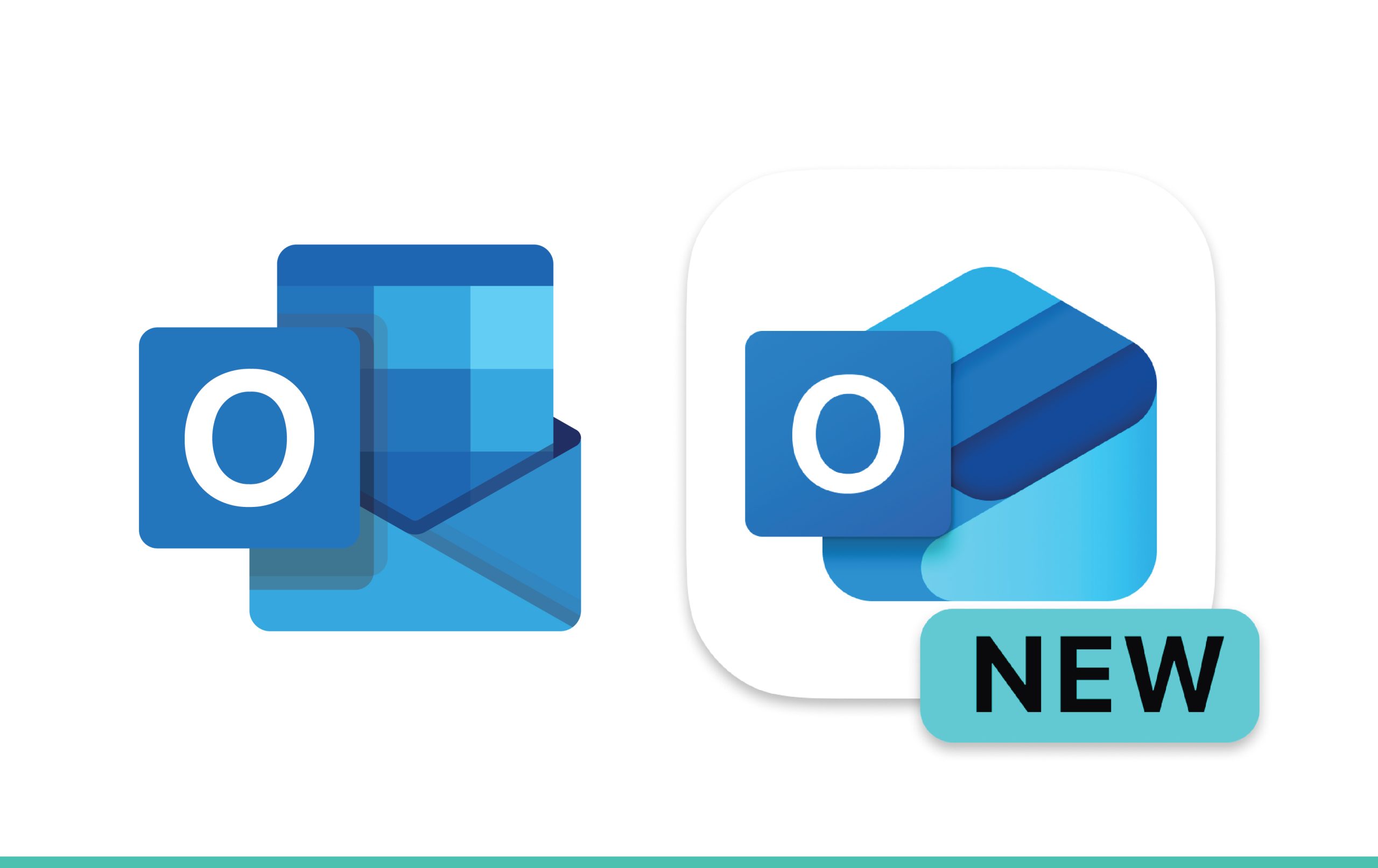
CompleteSMS has multiple options for you to send texts from a browser, starting with sending texts using our web portal. You log into the portal, type your message and click send. Another option is to use your email client to send messages. CompleteSMS has add-ons for Outlook and Gmail that make sending SMS with an email message a snap. You can use either option to message a single person or send personalized messages to a group of people simultaneously.
Can SMS Be Sent Over the Internet?
Yes, you can send SMS over the internet using either your web browser or email with your CompleteSMS plan. The individuals receive the message on their mobile devices as a regular text. If they reply to your SMS, you’ll receive the response in both, your email inbox or CompleteSMS inbox. Sending SMS from the internet allows you to quickly respond wherever you are. No need to wait until you get to your laptop either, CompleteSMS is mobile–friendly, just log in from your smartphone.
How Does SMS From the Internet Work?
CompleteSMS works behind the scenes to ensure that your messages travel from your browser or email to each person’s mobile device. We ensure that your message has the required parameters to be accepted as valid by mobile networks. Your SMS is assigned a timestamp, protocol identified, the sender’s phone number, the message length and the message content to easily be found in sent and received reports.
We enter the message into an SMS gateway, which takes care of the protocol conversion. Essentially, we provide the bridge between a browser format and an SMS format—all you need to worry about is making sure you have the right contact information and you know what you want to say.
Do You Need to Install Software to Use Browser SMS?
No. CompleteSMS Browser SMS works directly in your web browser, with no downloads required.
Can Multiple Team Members Use the Same Account?
Yes. Team management features allow multiple users to send and receive messages while keeping conversations organized.
Is Browser SMS Only for Customer Messaging?
Not at all. Many businesses use it for internal communication, operational alerts and coordination across teams and departments.
Can Messages Be Personalized?
Yes. Messages can be customized with recipient-specific information to support clearer, more effective communication.
What Happens When Someone Replies to a Message?
Replies appear directly in your Browser SMS interface in the Sent folder, keeping the conversation easy to track and manage.